
Blog
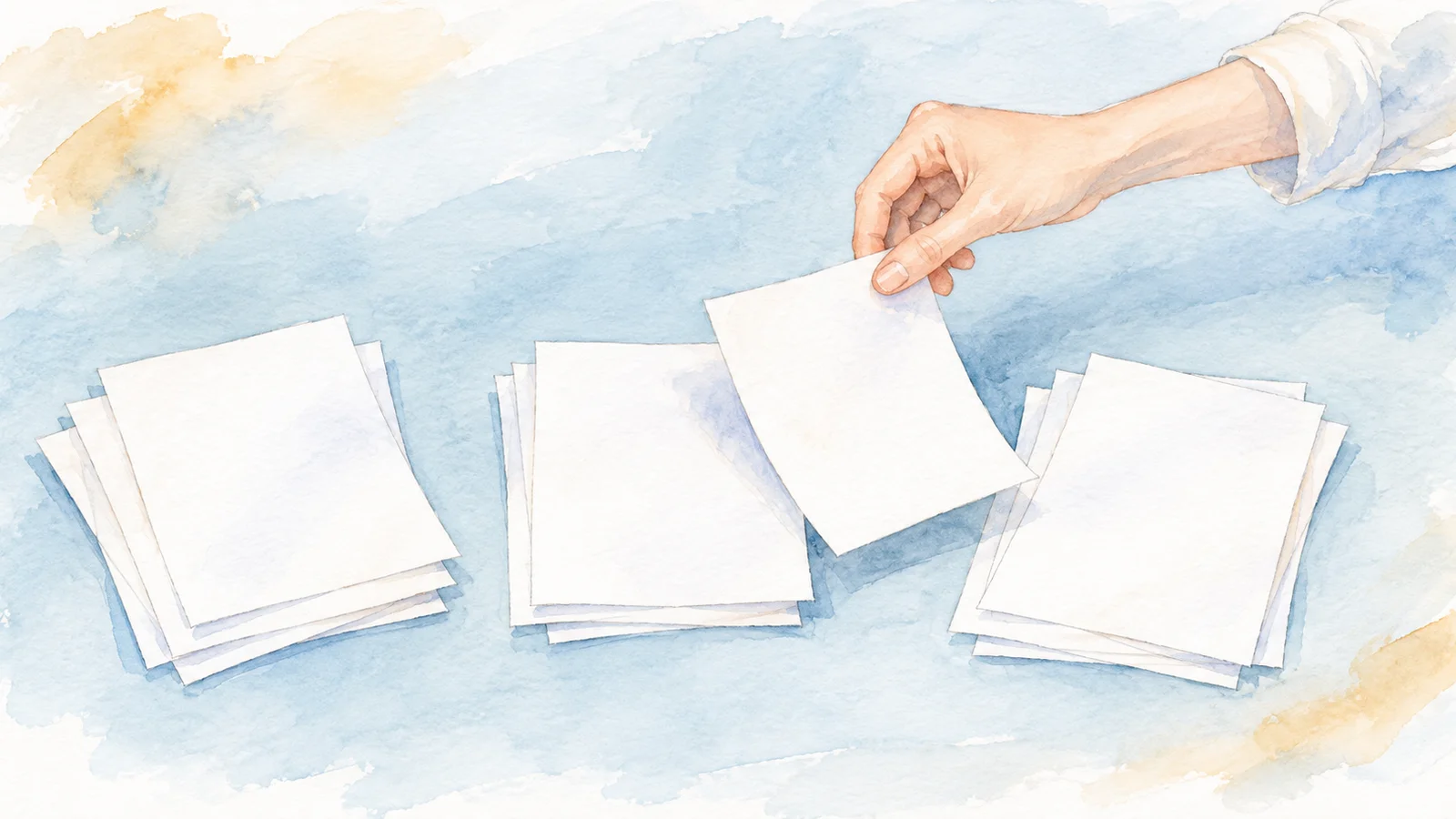
Scan in small batches and check page order
Work through loose pages a handful at a time, then compare the saved file with the paper before you continue.
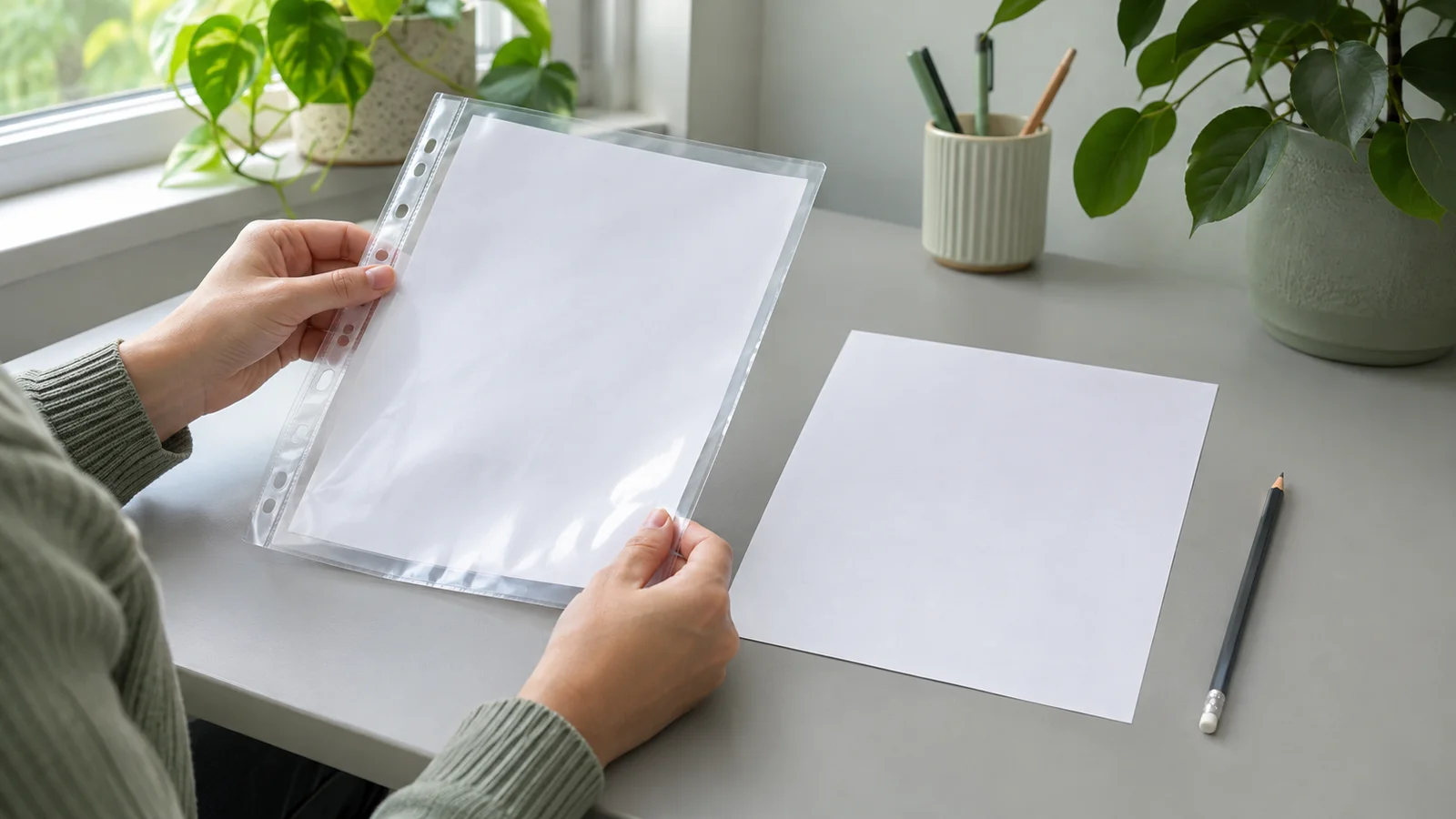
Keep an original scan before editing
Save an untouched copy first, so cropping or markup never replaces the only version you have.
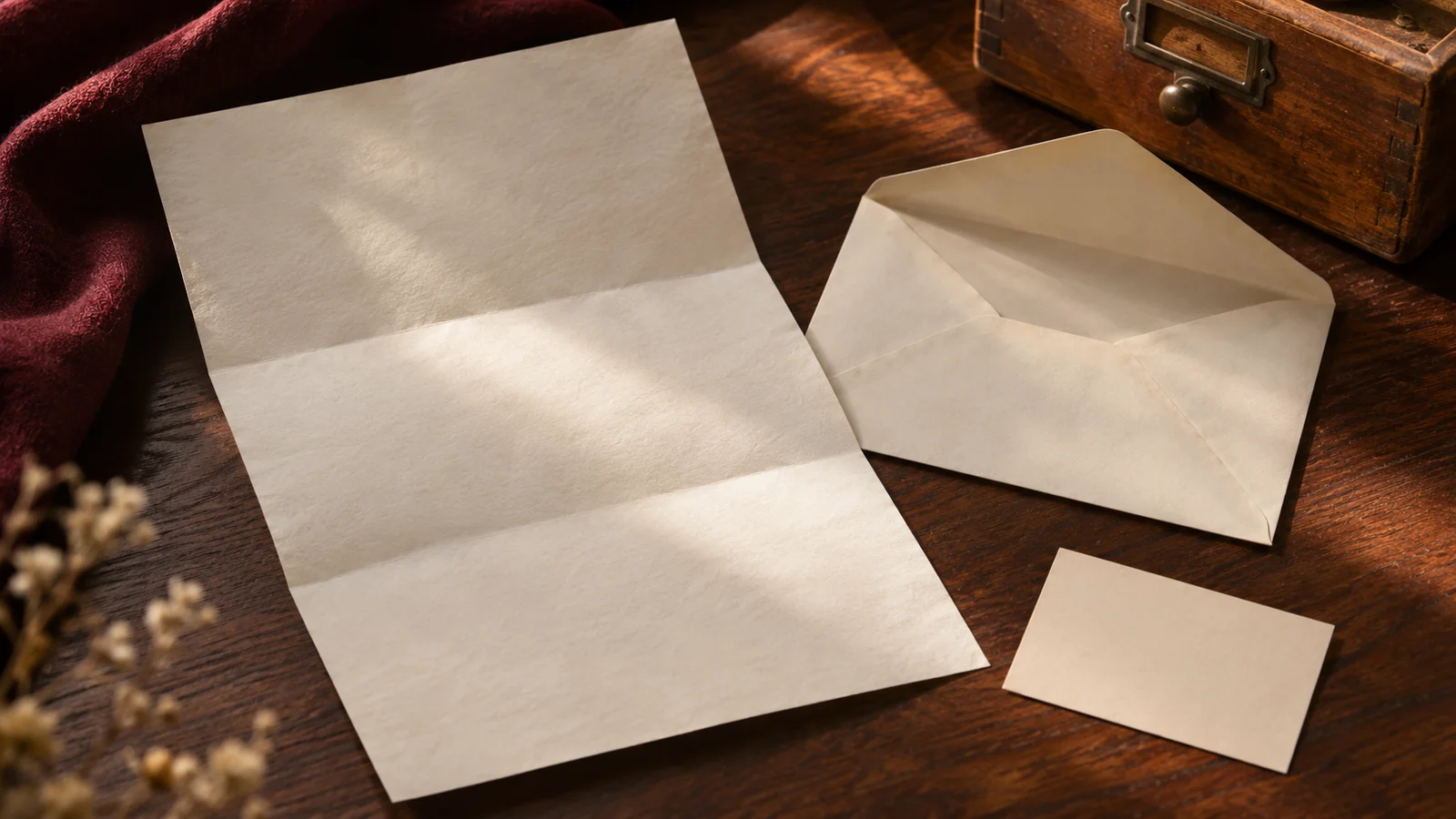
Keep context with scanned letters
Scan the envelope too, and add a short note about who wrote the letter and when.
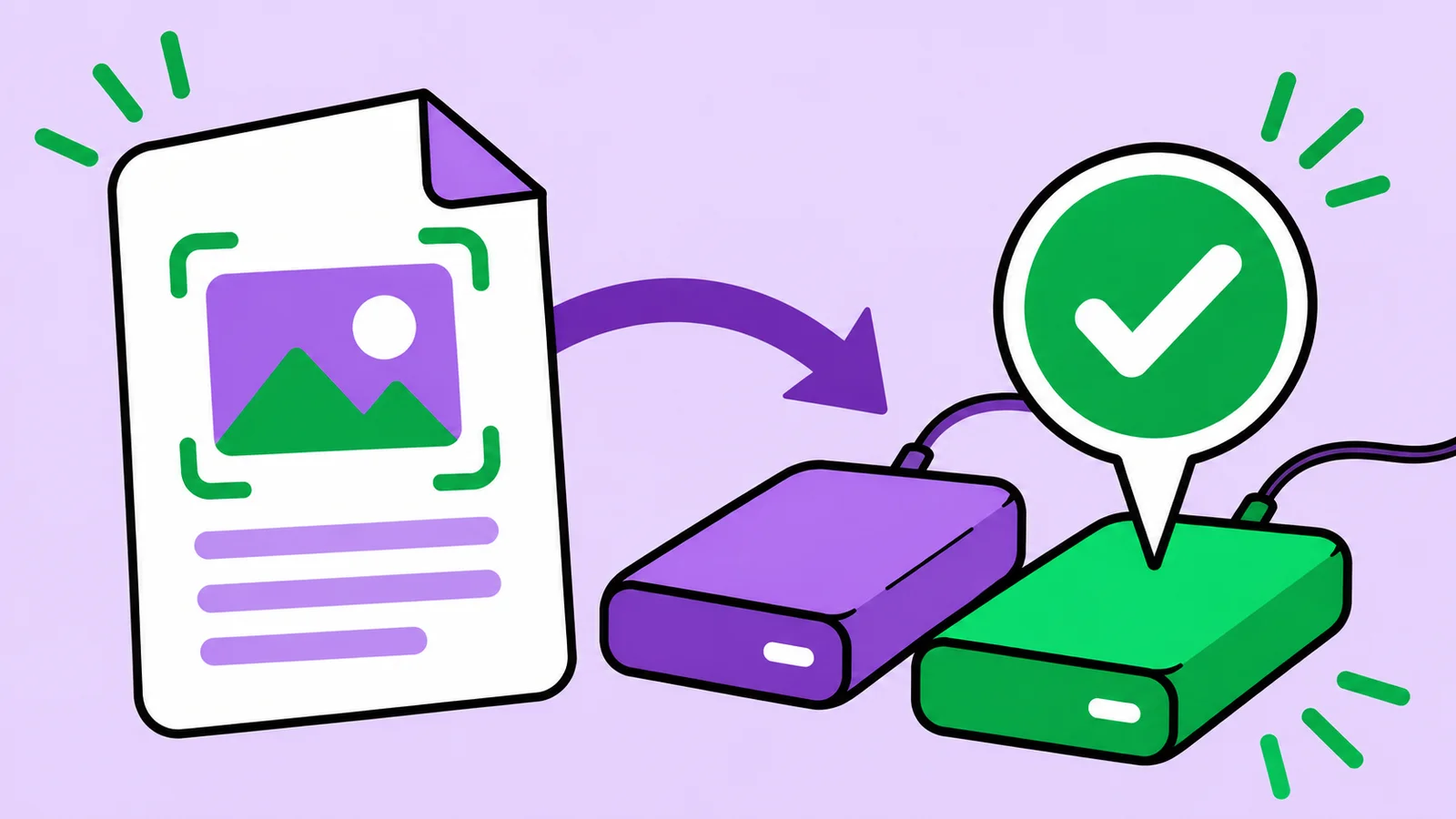
Check your scan backup by opening it
A backup only counts if you can open it. Try a small restore test and make it a habit.
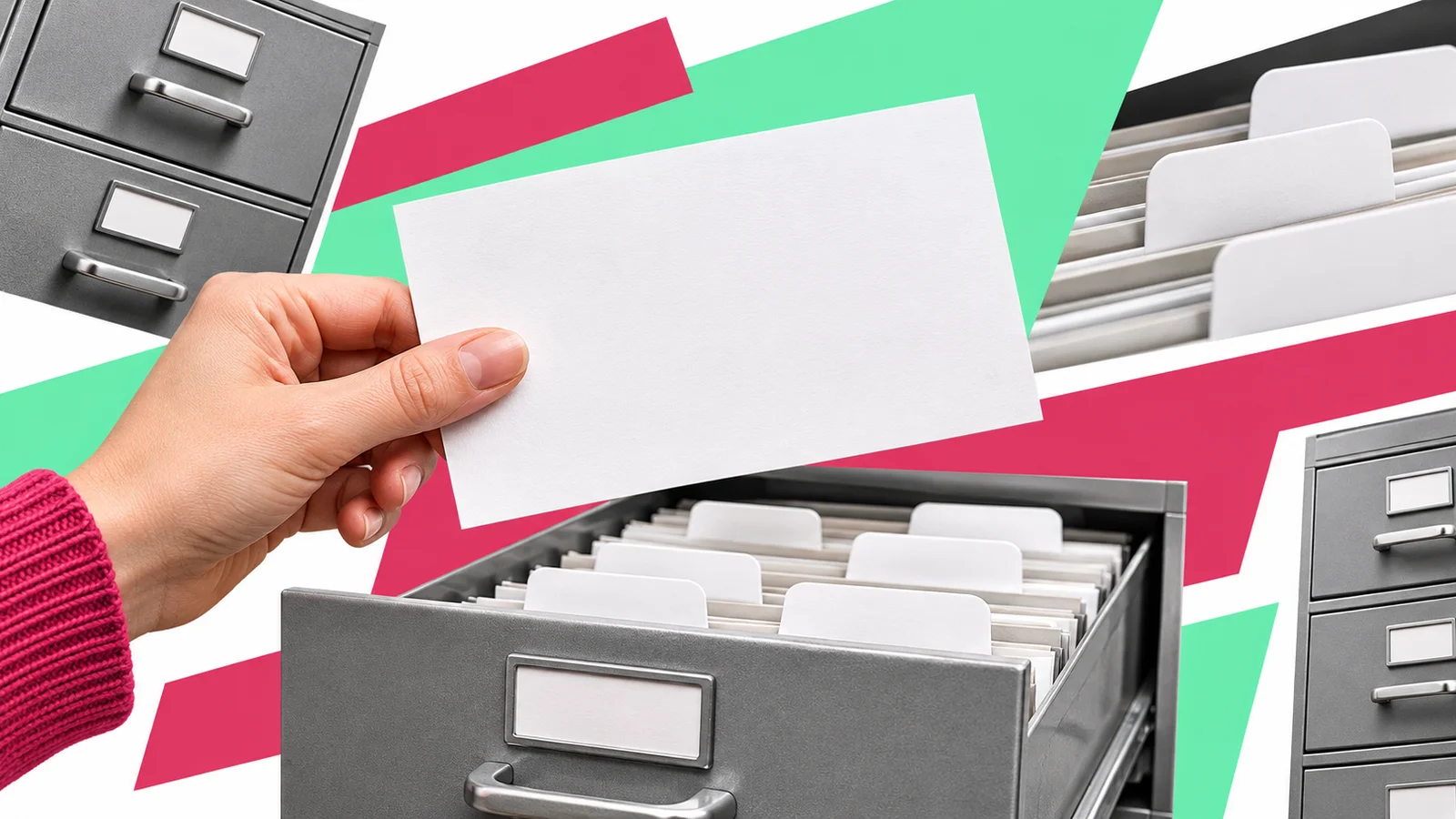
Name scanned files so you can find them later
A simple naming pattern beats an elaborate folder tree. Start small and stay consistent.
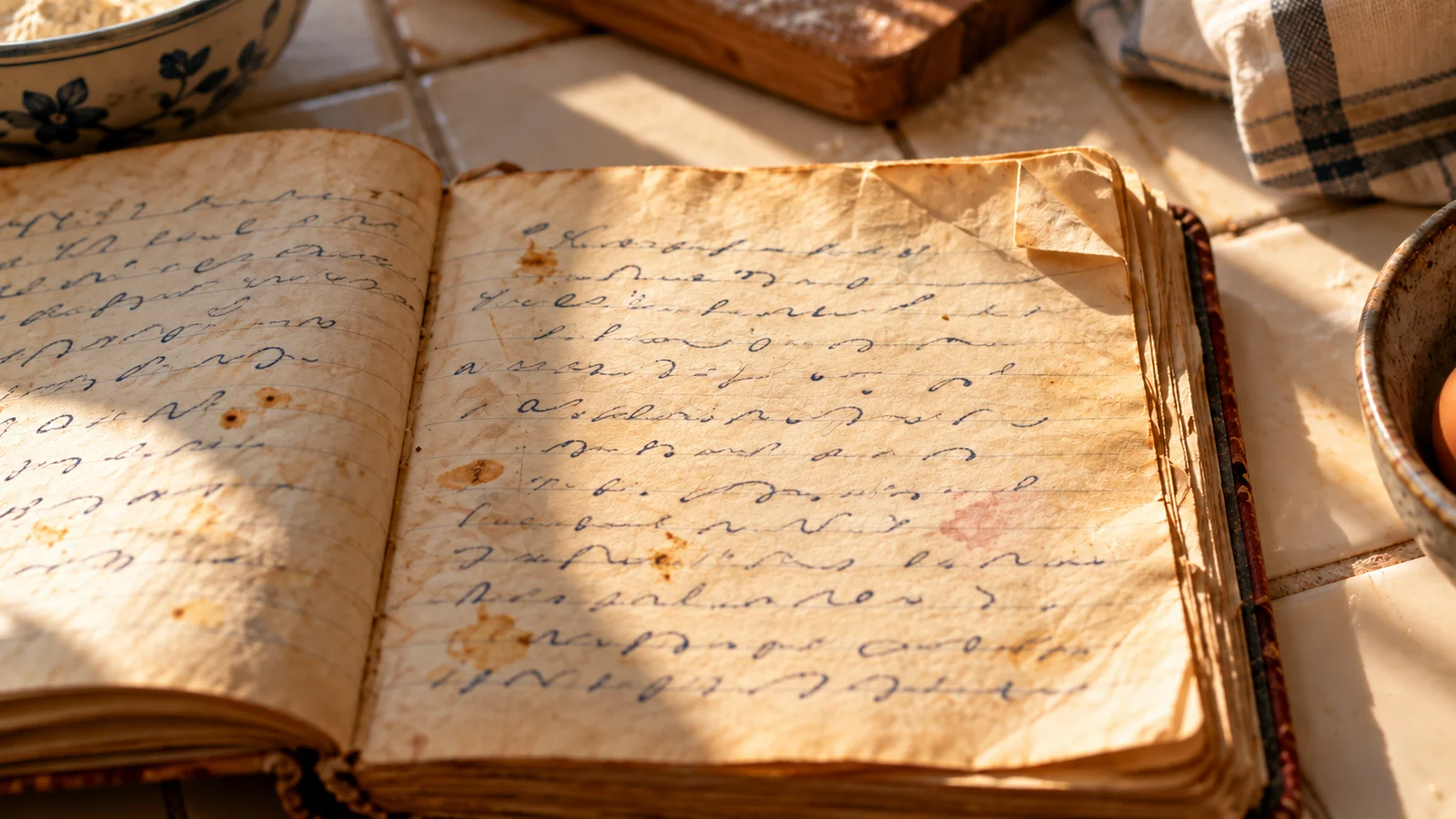
Save a handwritten recipe and keep its charm
Scan the card as it is, then add a typed version and the family stories that go with it.
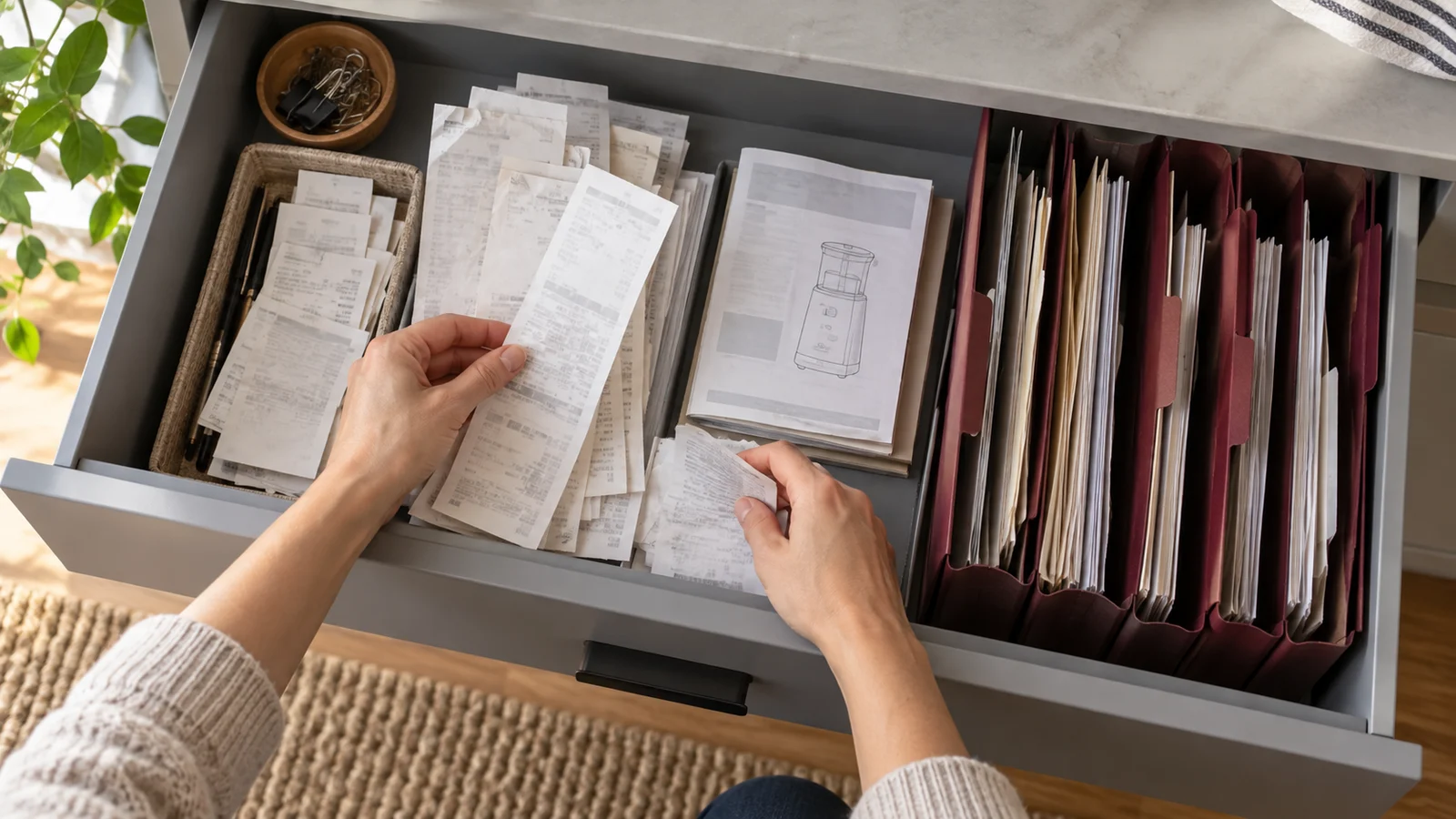
Keep receipts and manuals easy to find
Give household paperwork one home, one naming pattern and one exported copy outside the app.

Turn a scanned chapter into a study packet
Bundle source pages, your questions and short notes into one file you will actually reopen.

Check a scanned document before you send it
Small print, page order and the exported file all deserve a quick look before you hit send.
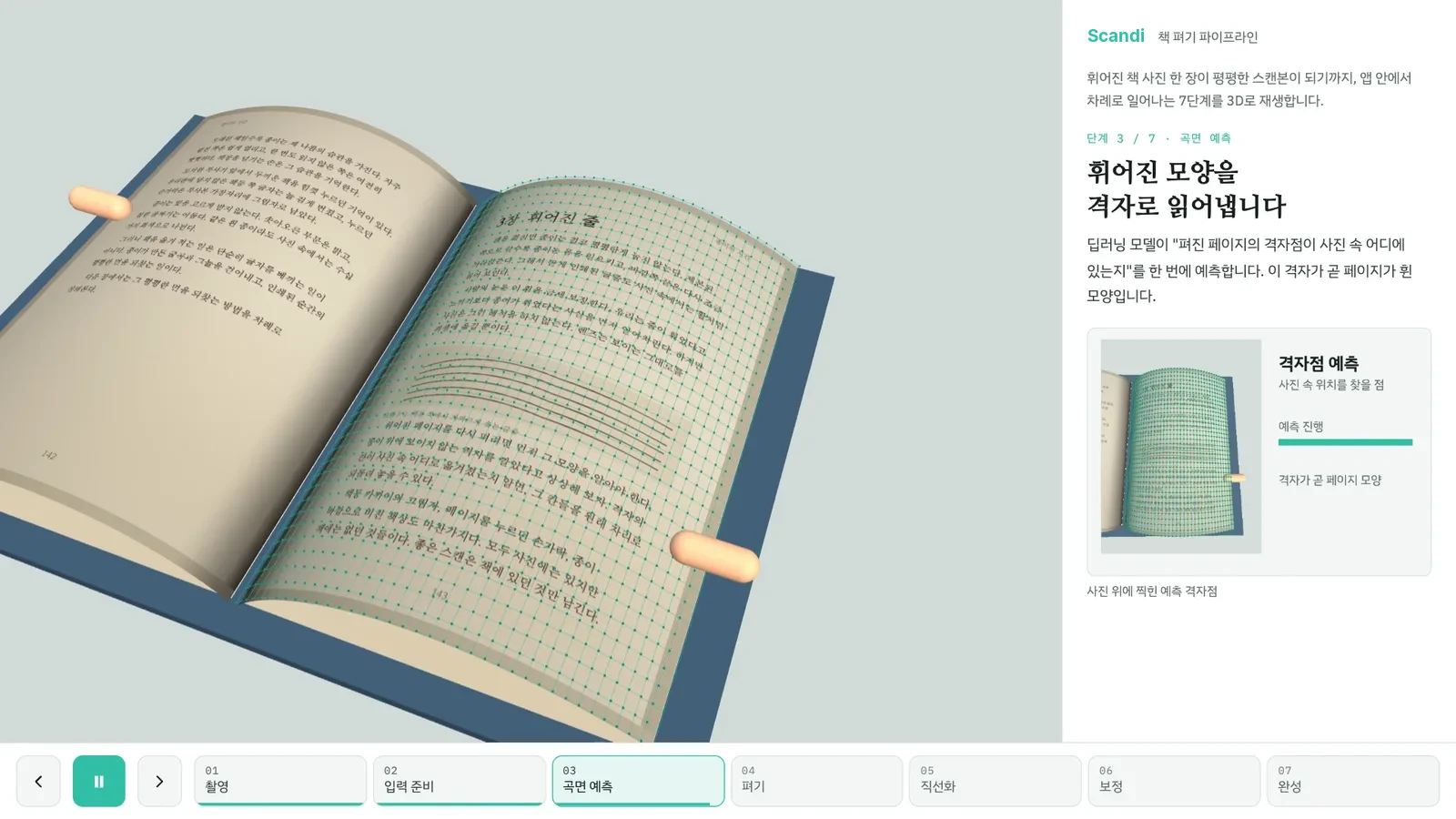
From a curved book photo to a flat scan
A look at what happens between pressing the shutter and seeing a flat, straight page in Scandi.
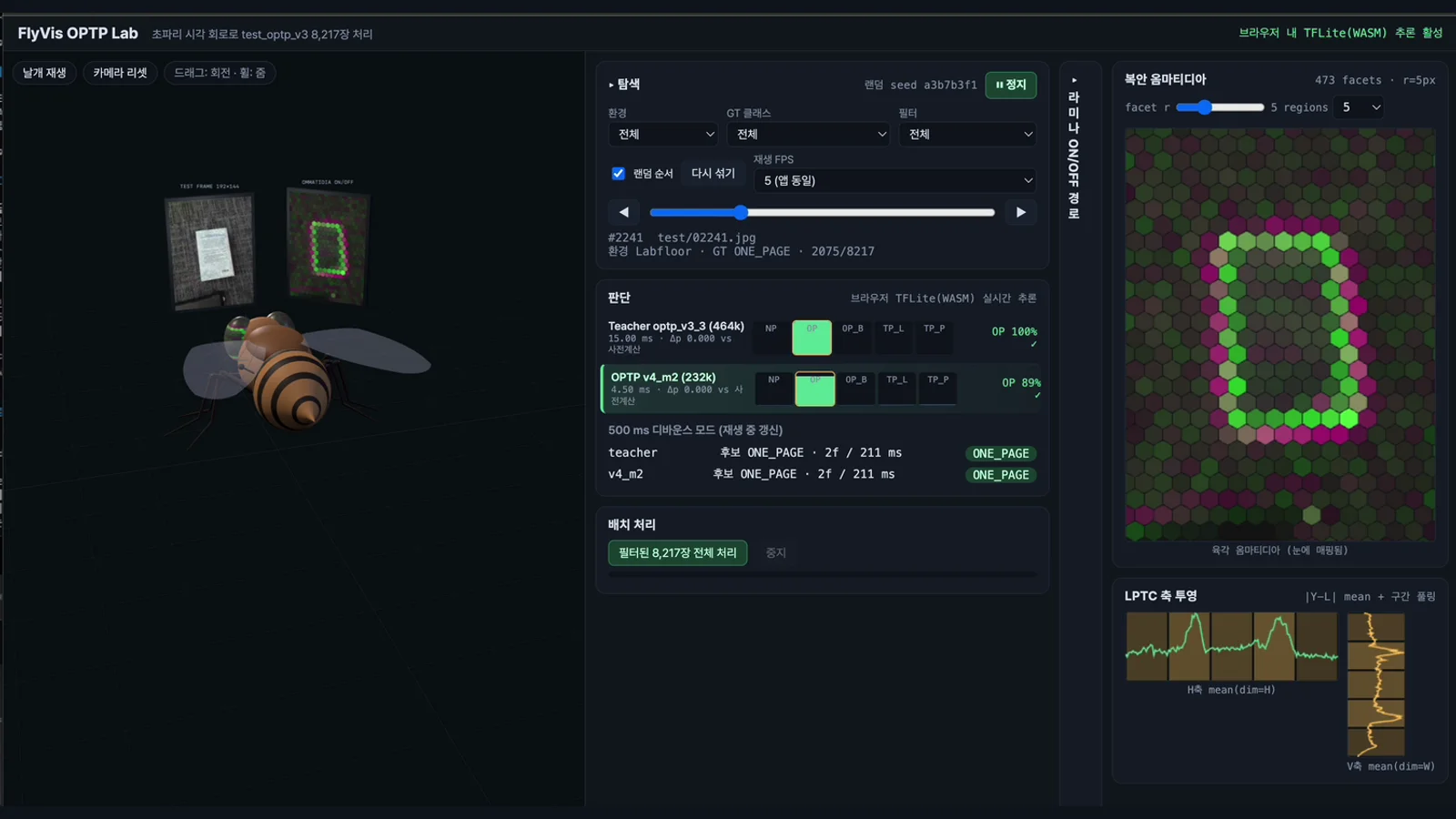
Lighter page recognition, inspired by insect vision
Notes on an experimental, compact model for finding pages, inspired by how small insects see.

How to scan a book without cutting it
You can digitize a book and keep it on the shelf. Here is a simple setup that works.
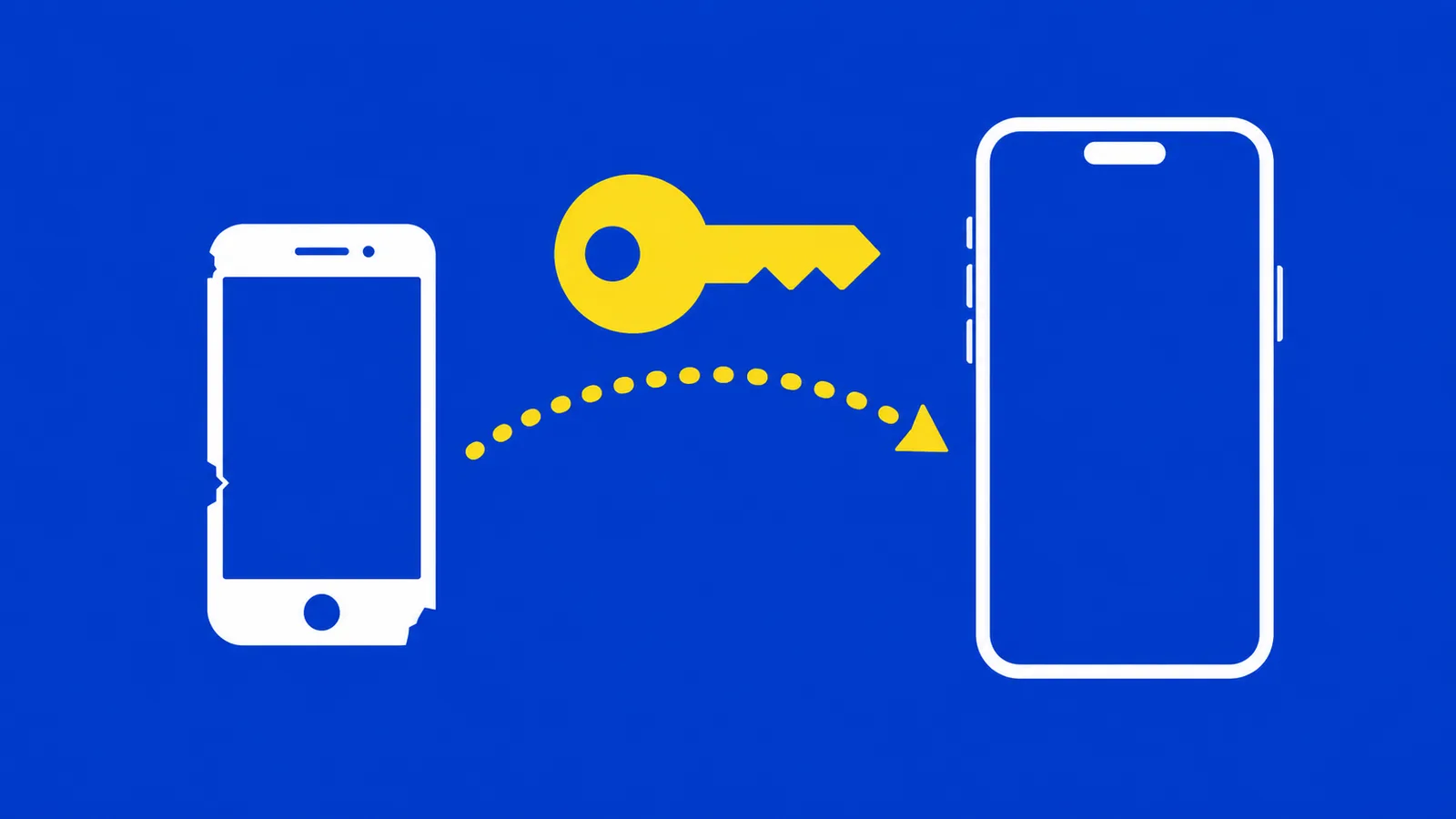
Cancelling, restoring and moving your subscription
Where a subscription lives, what happens when you cancel, and how to move it to a new phone.
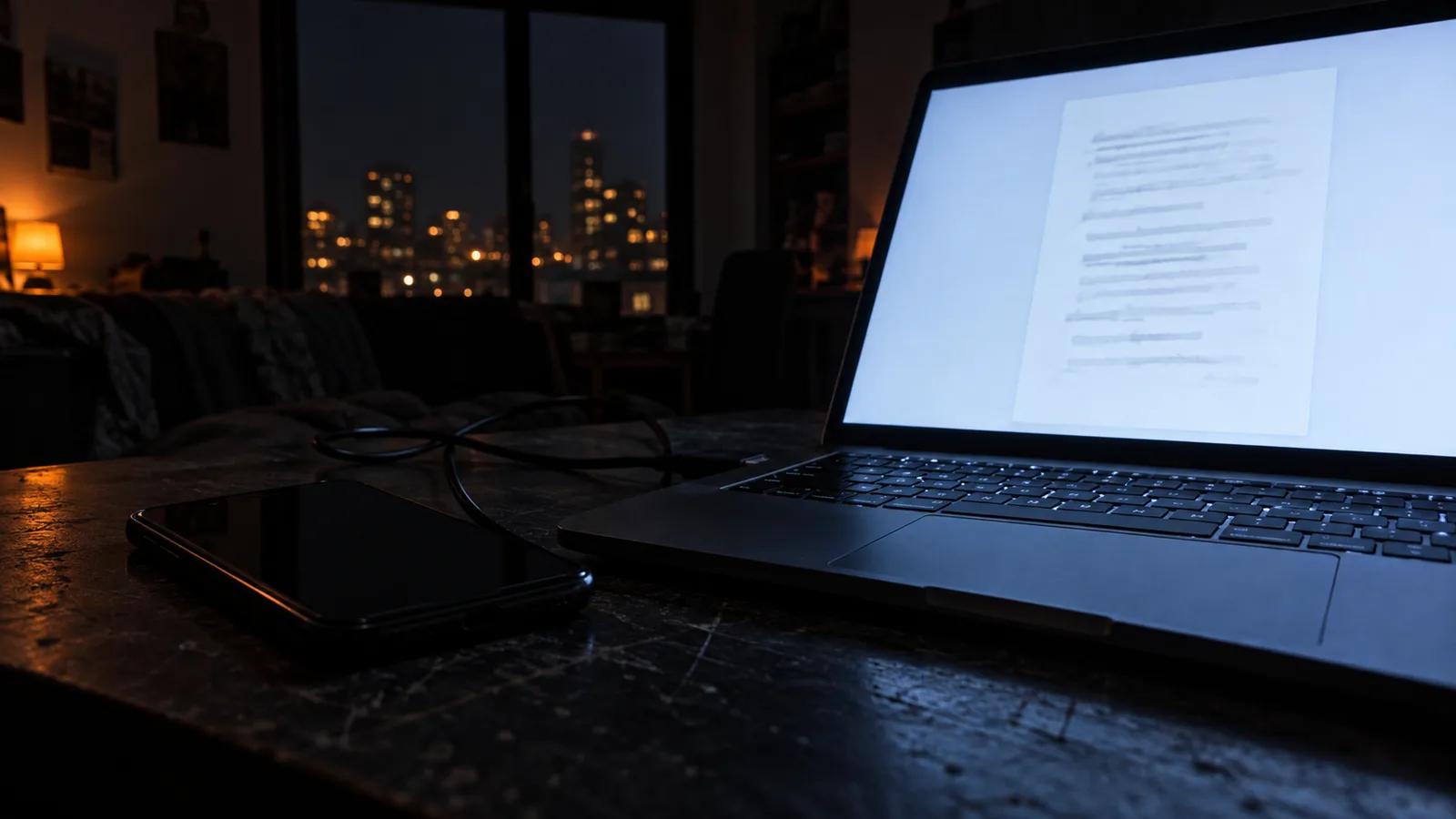
Send to PC: your scans on your computer as you shoot
Pair once, and every new scan can land on your computer without cables or emailing yourself.
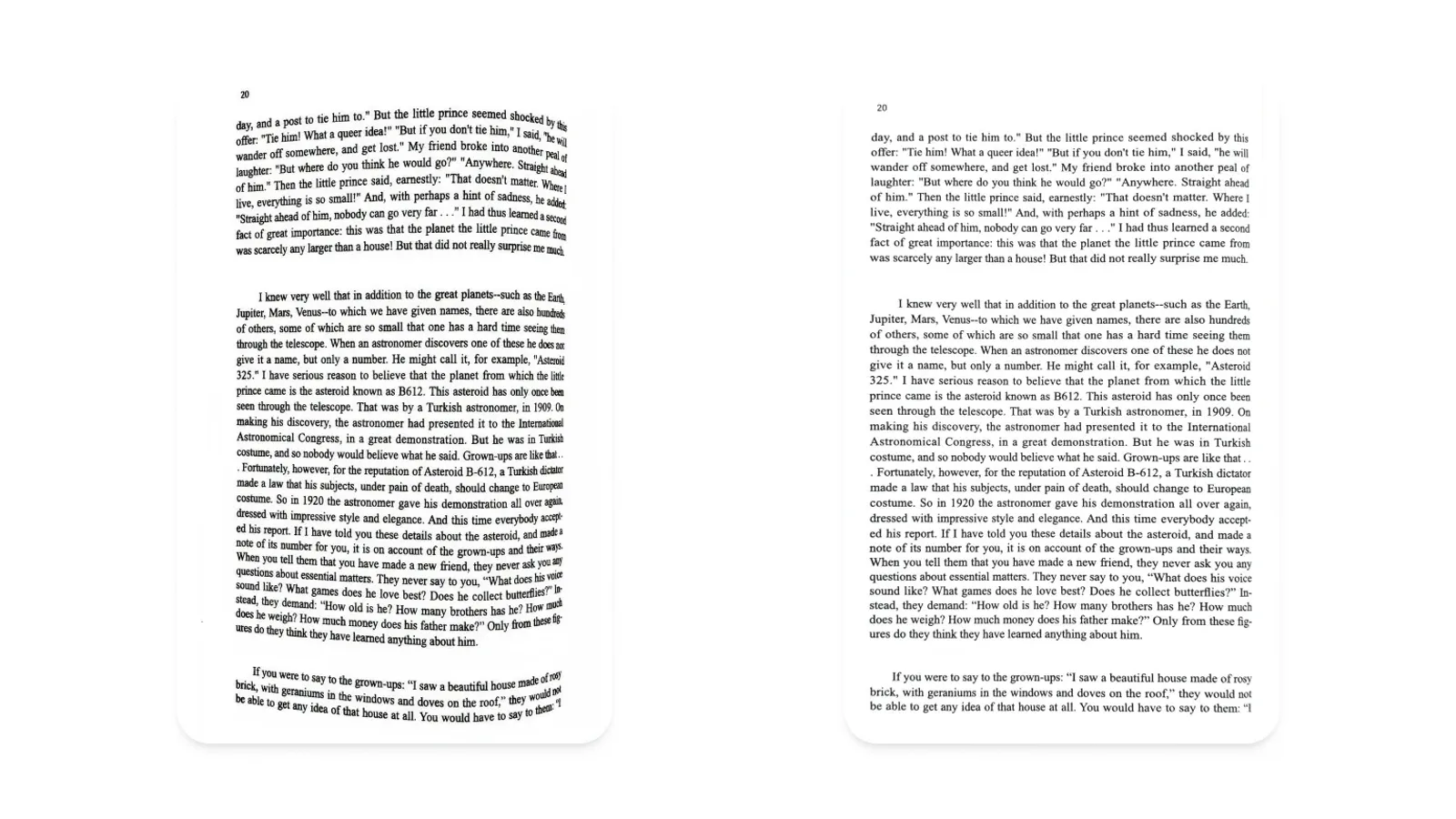
Curved pages, made flat
Why an open book bends, and how Scandi turns that bend into a page that looks flatbed-scanned.

Scanning a 300-page book in one sitting
Auto-capture and two-page splitting turn a long book into an afternoon project.
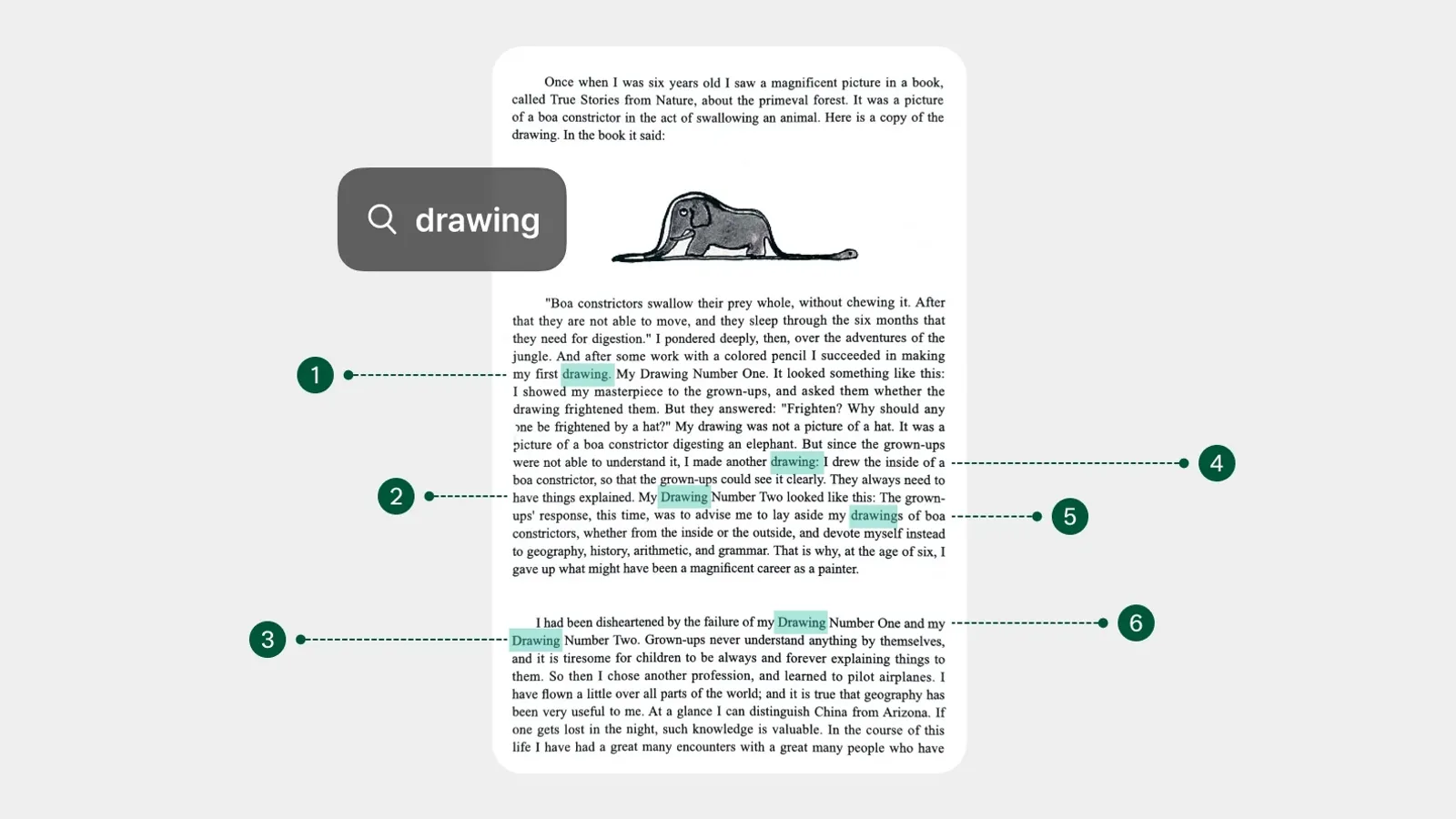
What makes OCR accurate on a phone camera
Resolution is only part of the story. Focus, light and a flat page matter more than you might think.
Choosing between PDF, JPG and text export
Each export format keeps something different. A short guide to picking the right one.

What stays on your phone, and what leaves it
An overview of which Scandi features run on your device. Official privacy details are in the Privacy Policy.